Create a Free Pterodactyl Server via Telegram Bot

Published on September 14, 2025 · 6 min read

This guide shows you how to set up a free Pterodactyl server on Kocheng Hosting through our Telegram bot. The Telegram-based process is convenient for mobile users and automates much of the server setup. Carefully follow the steps below, and make sure the email address you provide matches the one associated with your website account.
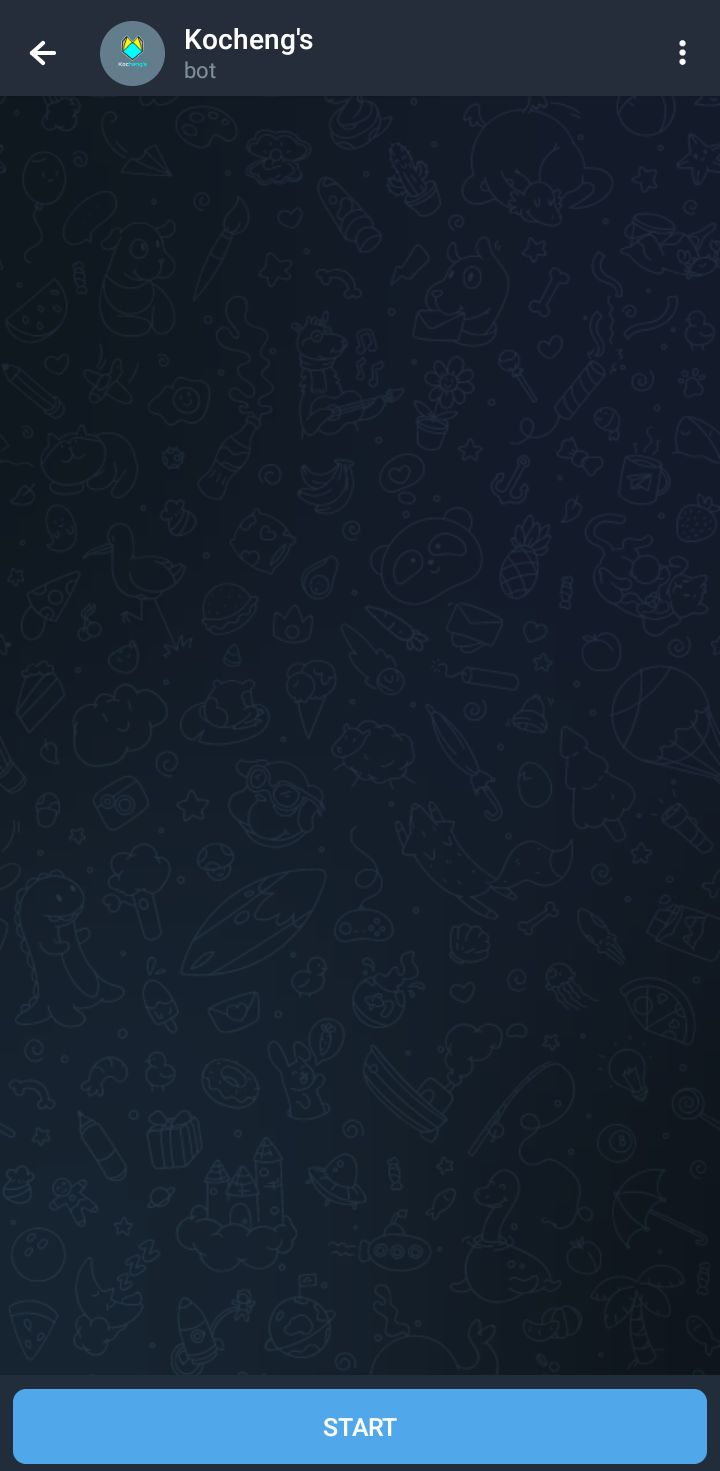
Step 1 — Start the Telegram Bot
From your dashboard, open the linked Telegram bot and select Start (or enter /start) to get started.
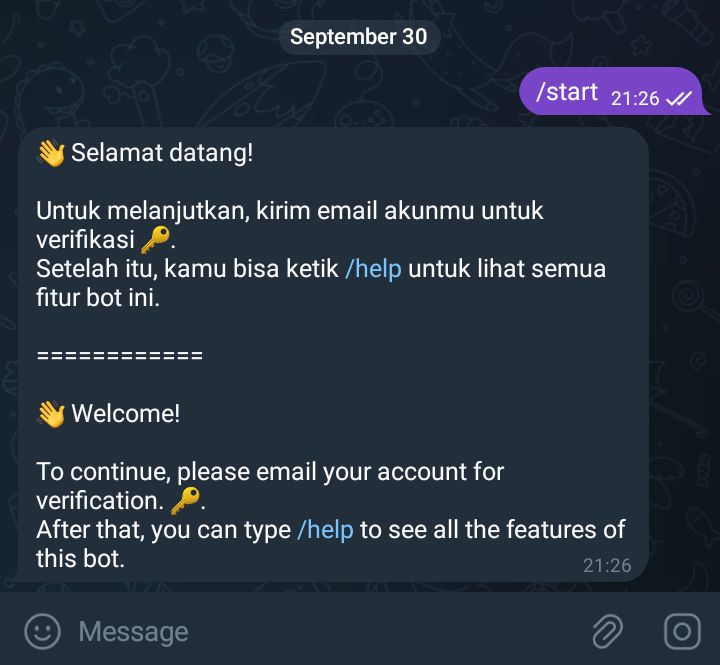
Step 2 — Enter Your Registered Email
When prompted, provide the email address you used to register at control.kocheng.biz.id. This links the bot to your account.
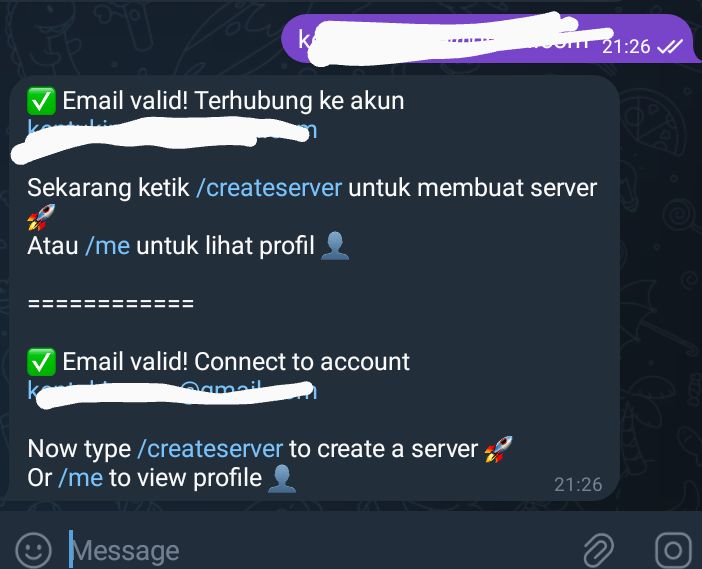
Step 3 — Confirm and Explore Menus
A confirmation message will appear if the email address is valid. Enter /help to view all available menus and commands.
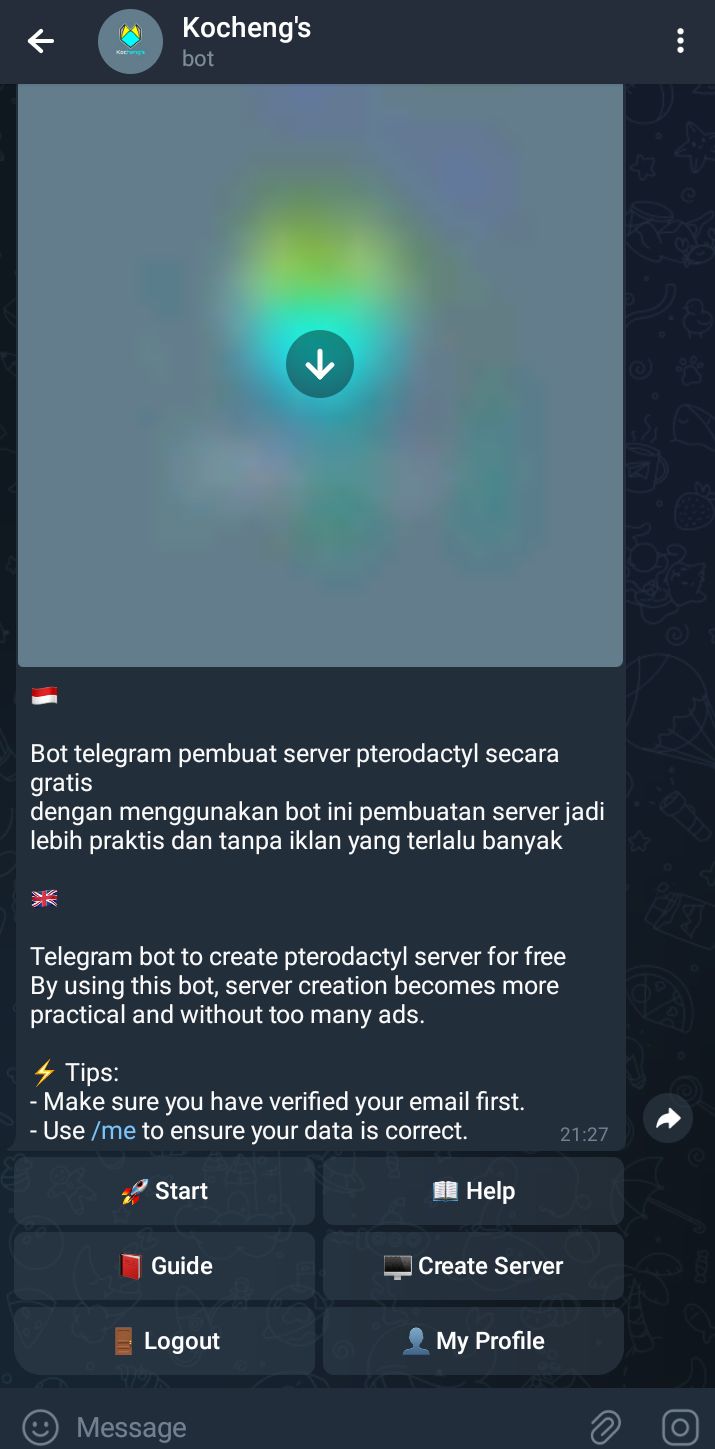
Step 4 — Select Create Server
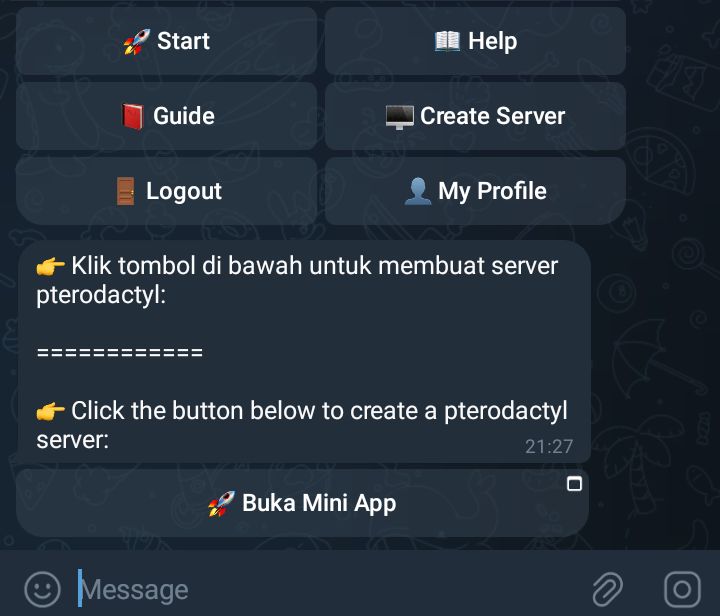
Select Create Server from the menu to start provisioning.
Step 5 — Open the Mini App
The bot will send a message containing an Open Mini App button. Tap the button to continue the setup in a new interface.
Step 6 — Tap the Yellow Action Button
In the mini app, select the yellow action button to continue. You will then be taken through a brief verification process.
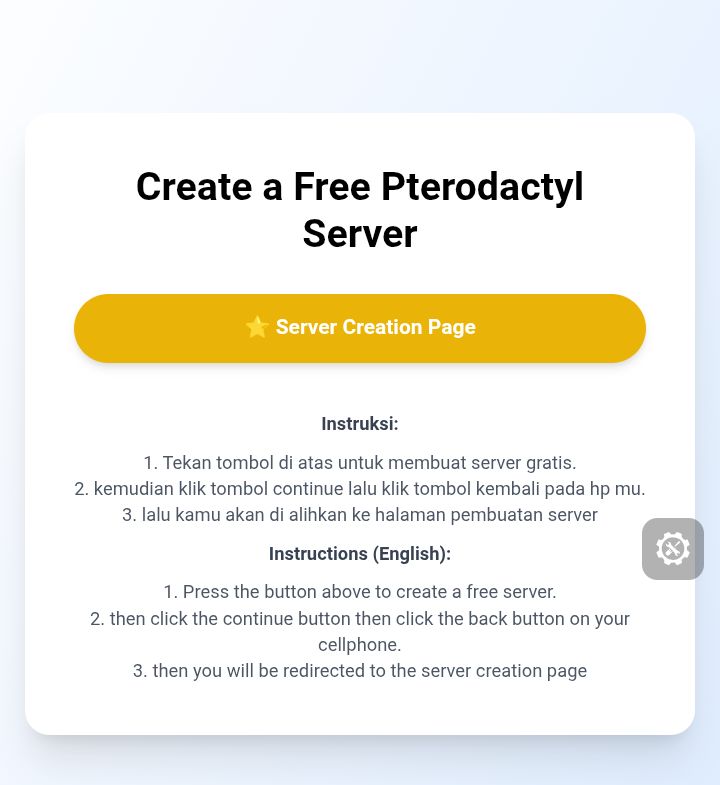
Step 7 — Return if Redirected
If you are taken to a different page, press your phone’s Back button to return to the mini app.

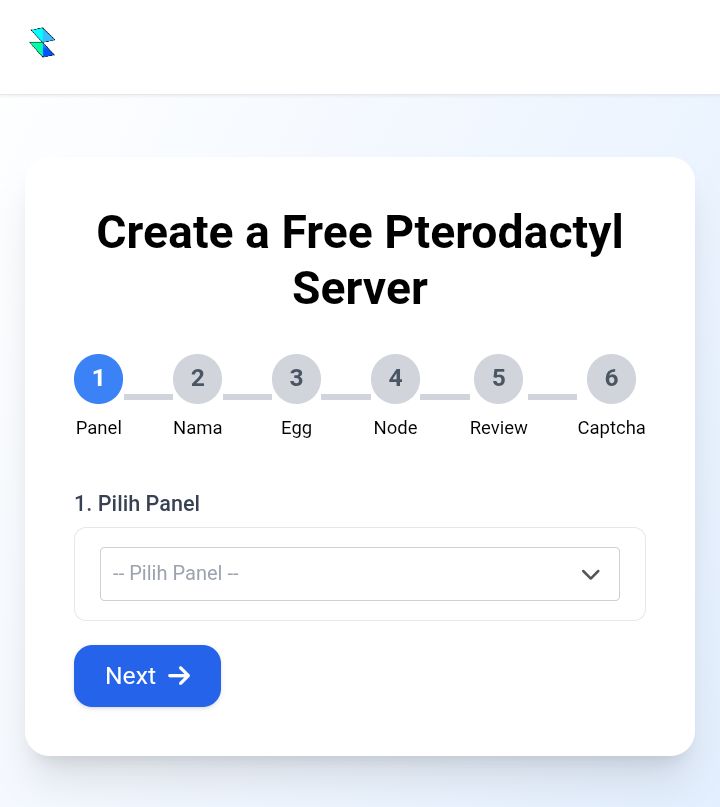
Step 8 — Complete the Server Form
You’ll be directed to the server creation form, where you can enter the required information, including the server name, node, and egg. Then, follow the on-screen instructions to complete the setup.
Troubleshooting & Tips
- Ad does not load: Switch between mobile data and Wi-Fi, or wait a few seconds before pressing the back button.
- Incorrect email entered: If you provided a different email address, submit a support ticket through the dashboard or contact support.
- Mini-app problems: Update Telegram to the latest version, then reopen the mini-app through the bot.
- Server creation error: Try the creation process again. If the issue persists, contact support and include the error details.
If you have questions or need help, contact our support team via the dashboard or email: supporthosting@kocheng.tech.
Finished creating your server through Telegram? Excellent—upload your bot files through the Pterodactyl panel, or use the step-by-step deployment guide linked above.