How to Handle Adblock Notifications

Published on Oktober 18, 2026 · 6 min read
Have you ever seen a notification like the one below prompting you to turn off your ad blocker?
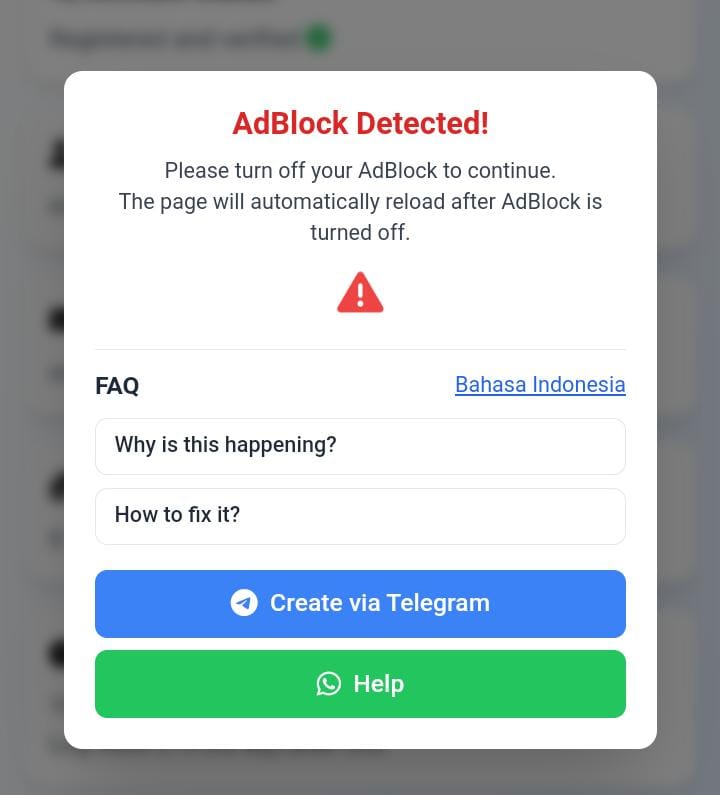
Our system is asking you to disable Adblock so that the advertisements we display can appear. Please read more about our Advertising Policy.
How to Disable Adblock
Follow the steps below:
-
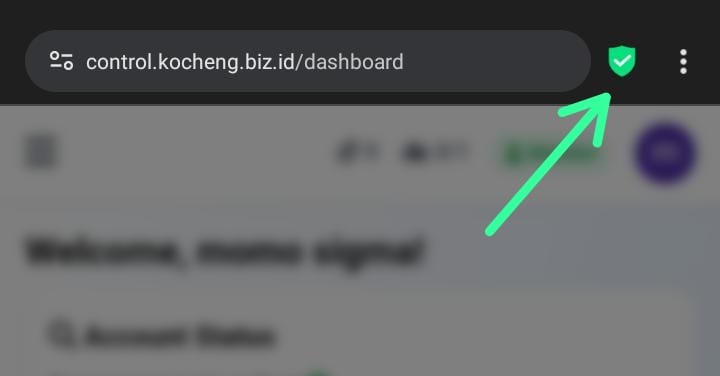
Go to your browser’s extension settings.
-
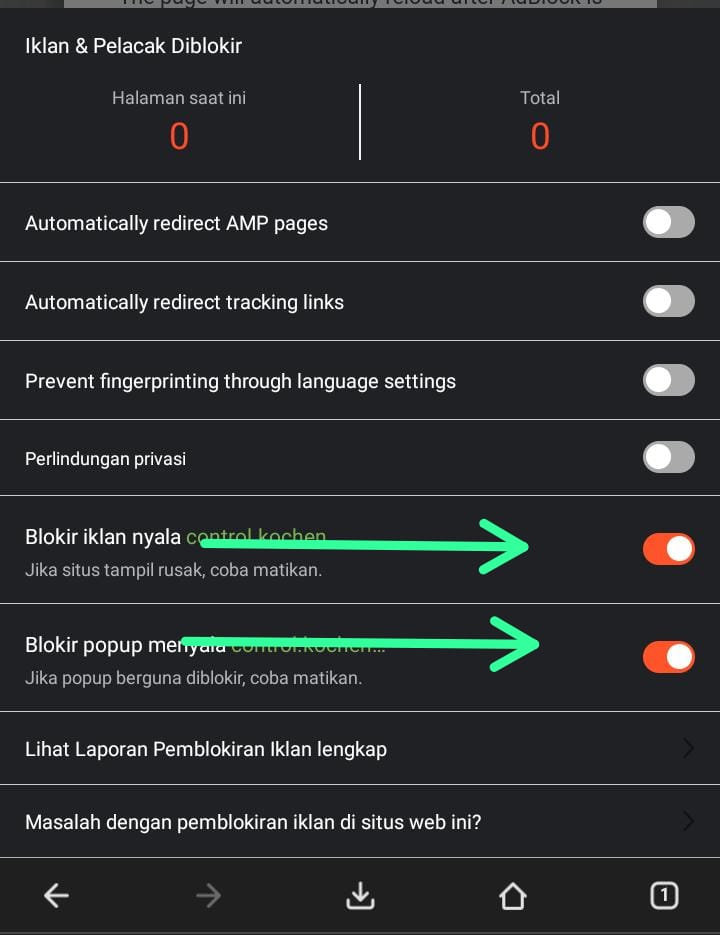
Find the Adblock extension and switch it off.
-
Verify the changes, then return to your browser tab.
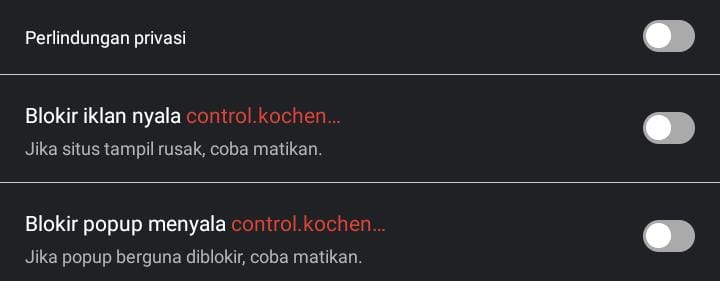
After completing the process, refresh the page to automatically remove the Adblock notification. If Adblock is enabled again, the notification will reappear.